/ › Blog › JD IDs as a shortcut
    Membership · Sign in

    On this page

    • JD IDs as a shortcut

    Info

    • Author: Johnny
    • Date: 2024-03-25
    • Link: jdcm.al/blog/0031

    Community

    Get help with this topic in its forum thread, or in the blog channel on Discord.

    • Forum
    • Discord (join server)

    Membership

    • Life Admin System The simplest way to organise your home life.
    • University Johnny.Decimal 101.System-building workshop.Task & project management.
    • Small Business System The fastest way to organise your small business.

    JD IDs as a shortcut

    Here's a quick tip that I use all the time.

    You're saving (or opening) a file. Up pops the trusty system dialog box. And you're nowhere near the folder you need.

    Type the Johnny.Decimal ID of that folder in the 'Search' box there. Make sure 'This Mac' is selected next to 'Search'.
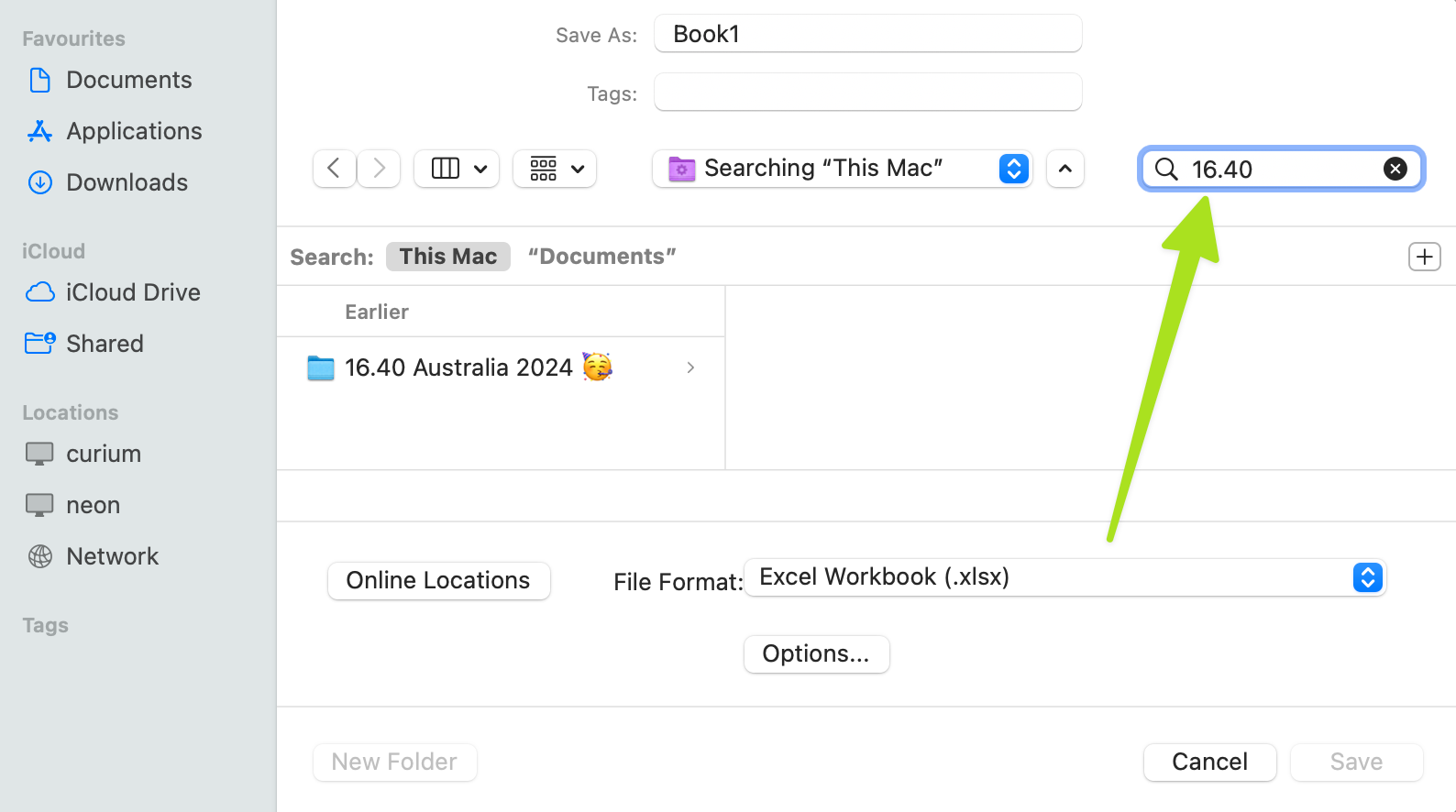
    A screenshot of a macOS Finder open/save dialog. The 'search' field at the upper right is highlighted.

    And there you go. Instant navigation to any folder, wherever it happens to be.


    ◀ Back play.jdcm.al shutting d… Index cards to the resc… Next ▶ (Use the ← arrow keys →)

    Learn

    • Documentation
    • Blog
    • Search

    About

    • About us
    • Policies
    • Sitemap

    Support

    • Contact
    • Support
    • Community