Decimal Diary: Not-Kondo and deleting Canva
Dear Decimal Diary,
The other day we had breakfast in a cafe with a TV showing an organise-your-house type of program.
This is right up my alley. Ten years ago Johnny gave me a book by a Japanese author called Goodbye, Things that had a big impact on both of us. So given that we're in Japan I was excited to see the end of the show.
When the 'experts' were finished the residents pulled lots of zany shocked delighted faces. But I was disappointed. They didn't throw anything out! It was more like a sliding puzzle where they just moved stuff around.1
I don't see the point of a re-organisation project if you're also not going to get rid of anything. I'm too addicted to that fresh-start feeling.2
Canva stress
This was my state of mind as I began a long-avoided P3 task labelled 'Decimalise Canva properly'. There was more than 2 years' worth of work-related mess in there. Some files had IDs, most didn't. And the IDs pre-dated the Small Business System that we use now.
I really like making things in Canva. It's easy and fun. But I don't really like being in Canva, all the buttons make me dizzy. So about 10 minutes later I thought "bugger this" and deleted everything in the account.
Canva calm
All that's in there now is an empty area folder called 50-59 Portfolio of creative outputs, ala the creative pattern. Ready and waiting to hold new folders labelled with IDs for future creative jobs.
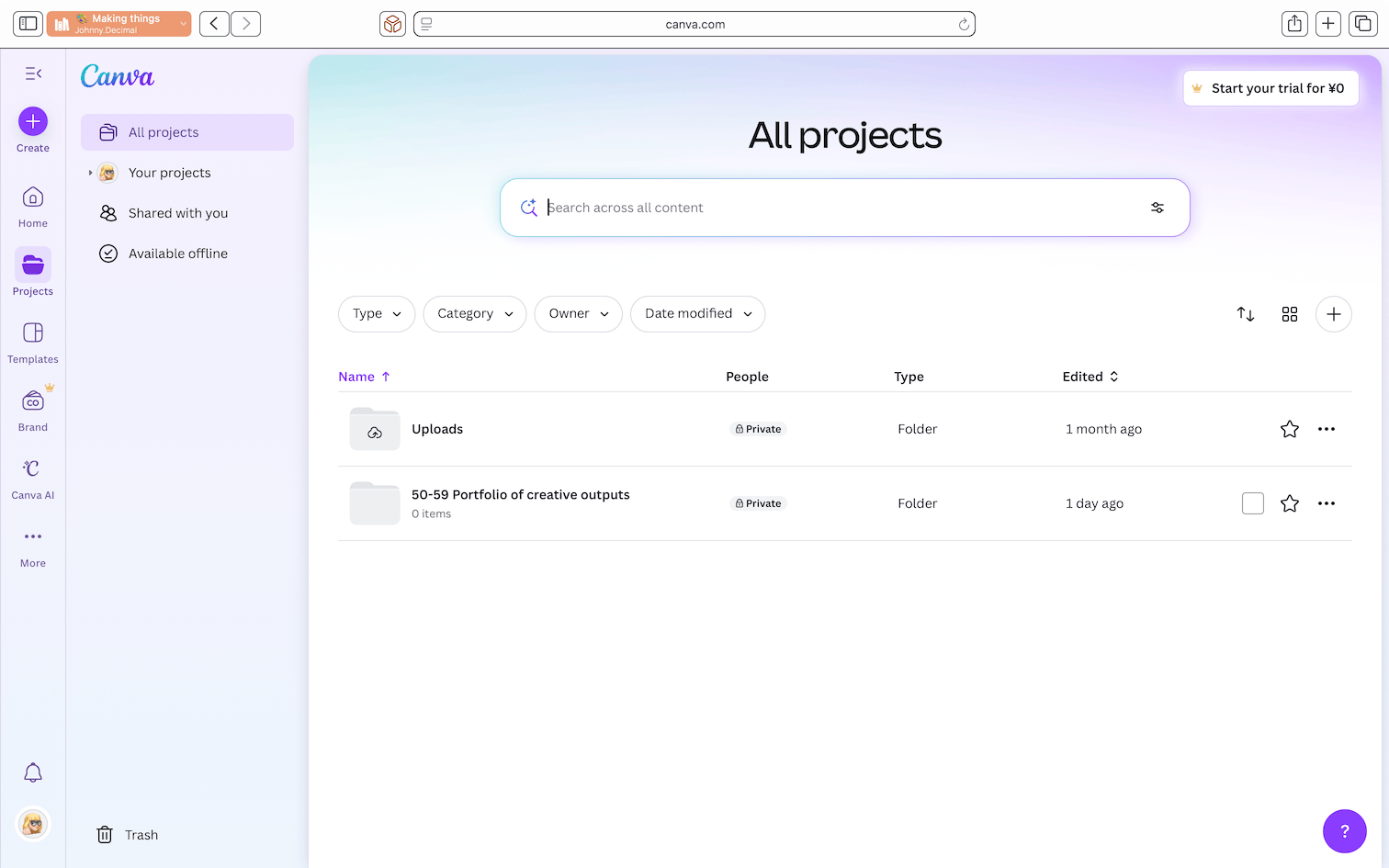
I could have spent all day re-naming old files and creating links in our current JDex for them. But I was honest with myself and knew I'd never actually re-use those files again. And so I purged. It felt great.
Procreate refresh
This inspired me to do some organising and tidying in the Procreate app on my iPad.
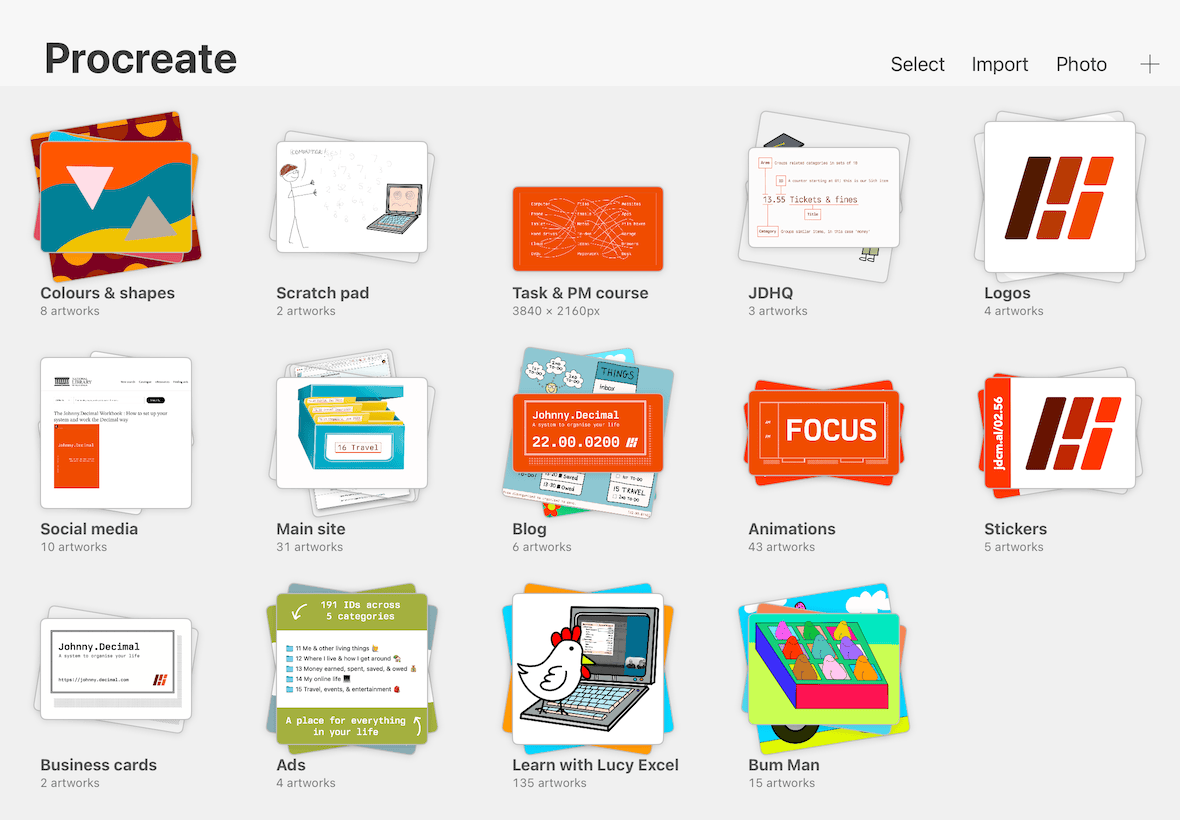
Again, I deleted a lot of old stuff (freeing up at least 2GB of storage). I grouped existing files into logical 'stacks' of similar work. I made filenames clearer and added IDs where there were none. And I've promised myself that when I start a new creative job in the future, it will be labelled with its ID from 50-59 (pinky swear).
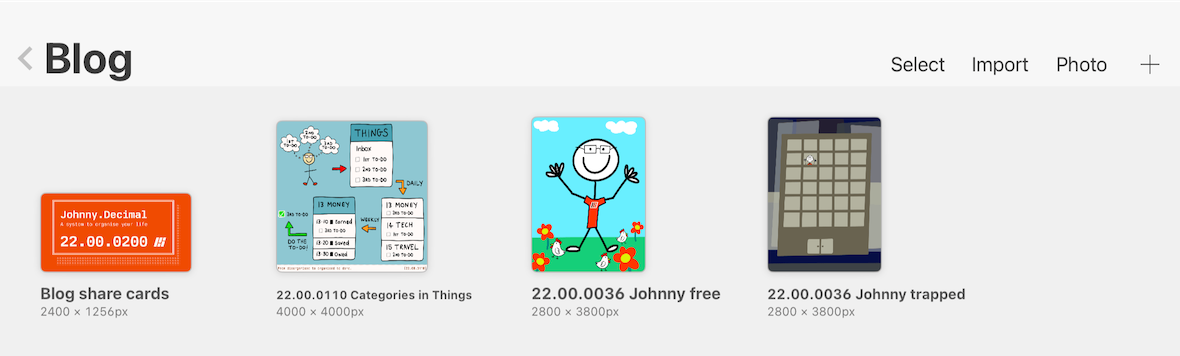
It's far from perfect, but it's a lot better. I tried to:
- Be realistic and make an improvement in the time I had,
- Get some 'comfortable awareness'3 of what's there and could be re-used,
- Give myself a bit of that fresh-start feeling.
I know I can't delete all my old files because that would be madness. But I do think it's good to delete some files on the reg. It feels healthy. And I think that tiny Japanese apartment would have looked way better if they'd had a proper purge. So I'm going to keeping poking around my digital life, neatening and deleting as I go.
Hot tip: circle masks
I just learned how to do this – if you've ever wanted to crop a regular photo into a fancy circle, you can do this really easily in Canva:4
- Upload your photo in to the 'Uploads' area,
- Open a new blank canvas in the dimensions you want,
- In the 'Elements' tab search for 'Frames',
- Find the circle and drag it on to your canvas,
- Go to your Uploads and drag your photo onto the frame,
- It automatically crops it into a circle,
- Make it the size you want and hit download.
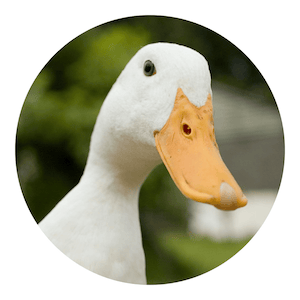
Canva is fuuuun.
From Lucy
100% human. 0% AI. Always.
Footnotes
-
Which included a ridiculous amount of stuffed animals for an adult couple who live in a tiny apartment. ↩
-
There's even a video dedicated to this at
43in the Workshop where Johnny basically says "don't bring a whole lot of old crap into your beautiful new zen house that you've just designed". 😬 ↩ -
A concept that's being explored in the new task and project management course we're making for Johnny.Decimal University. ↩
-
An account with basic features like this is free. There are paid tiers if you want more features or storage. ↩